
Current matchday
Fixtures, pitches, dressing rooms, cancellations, and results come together in a recognisable club screen.
Keeping a clubhouse screen current otherwise means separate exports, presentations, and manual updates. Rondo combines Sportlink matchday information with your own announcements, media, and sponsors in scheduled playlists.
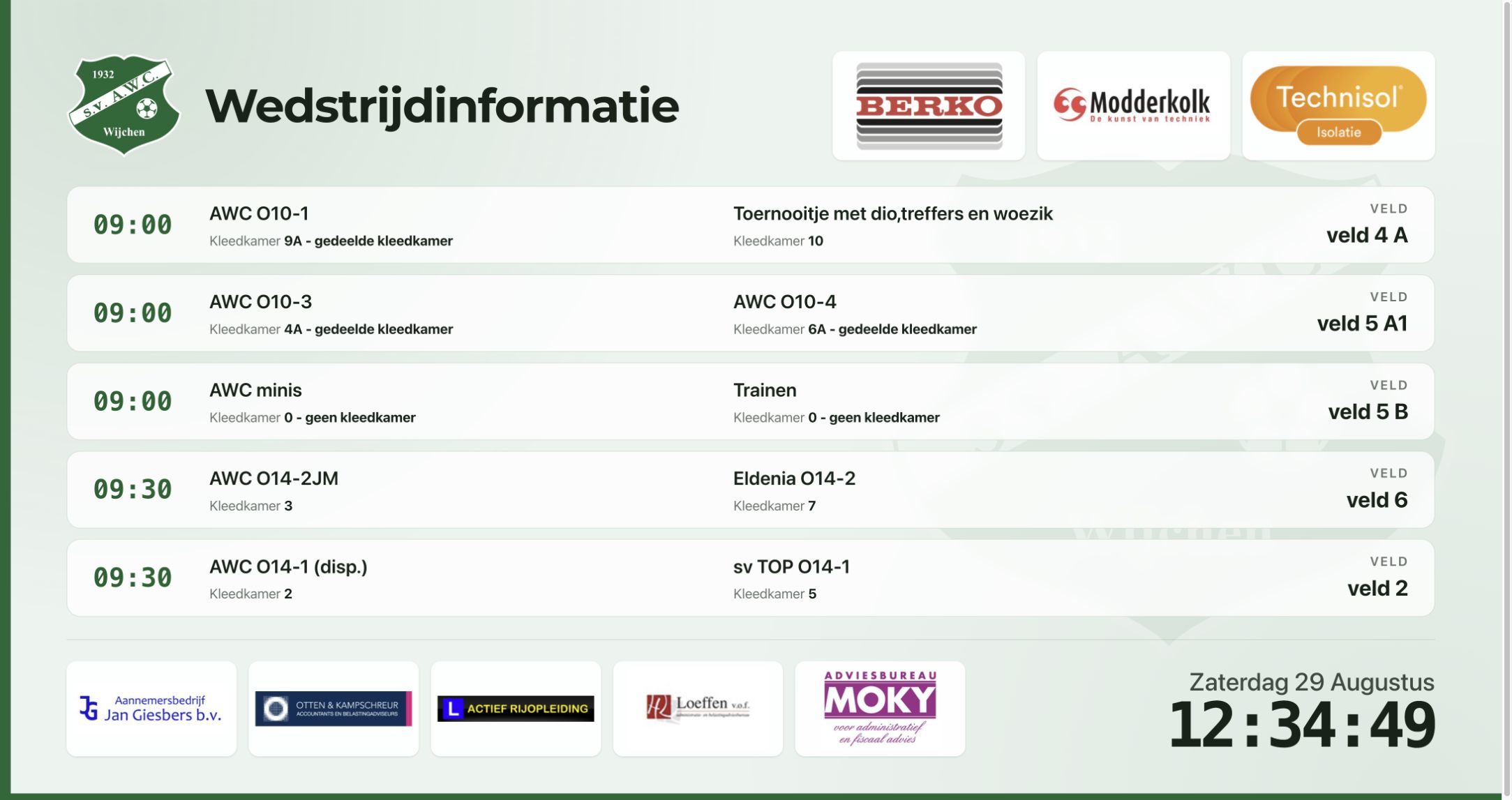
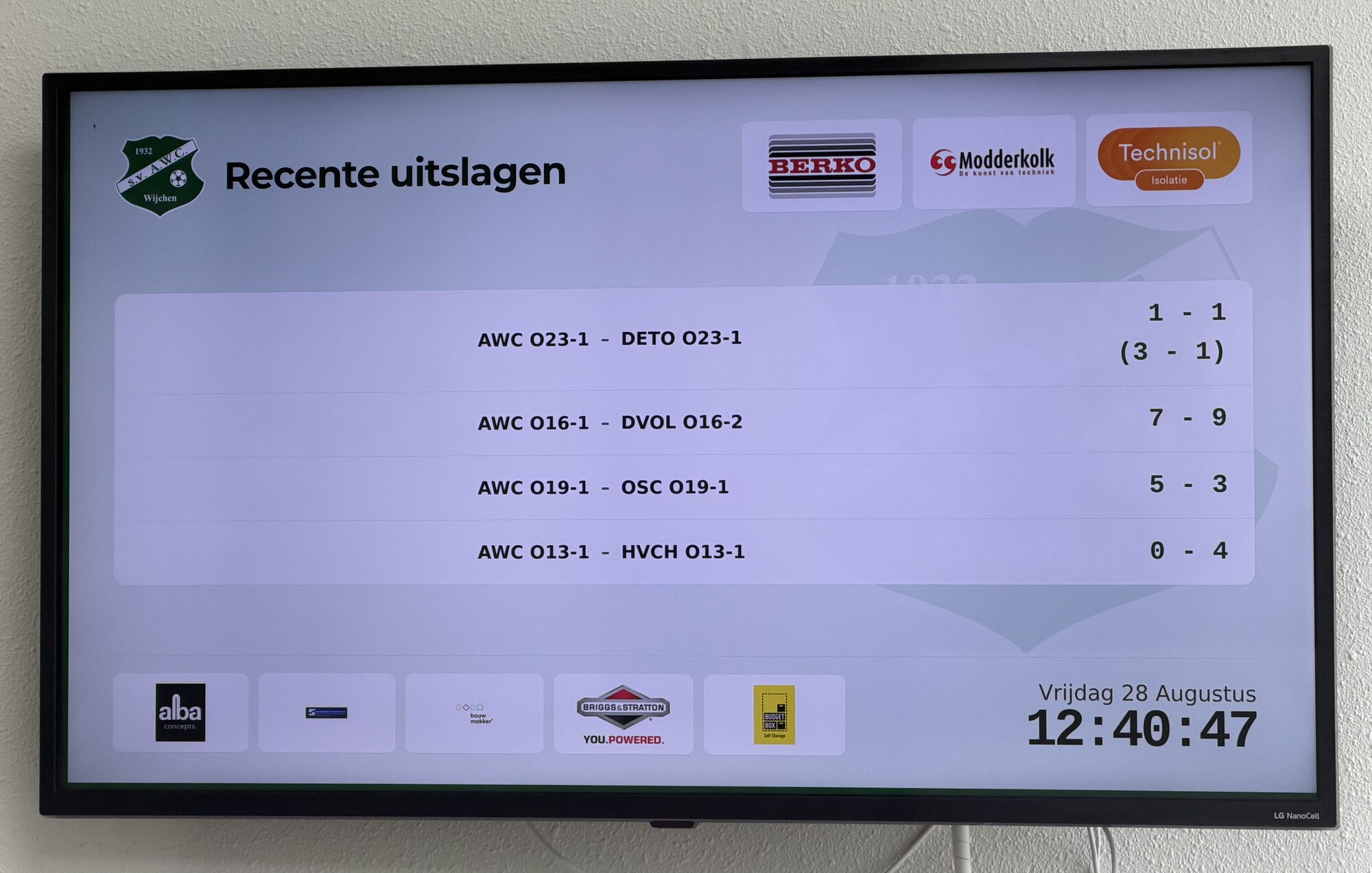
Fixtures, pitches, dressing rooms, cancellations, and results come together in a recognisable club screen.
Put announcements and media in the right order and decide when and how long they appear.
Use configured sponsor visibility to rotate active sponsors with a logo through the screen layout.
Also relevant: For the sponsor committee and For communication.
Plan a short intro and we will map out the best setup for your workflow, volunteers and integrations.
Contact us