
One sponsor record
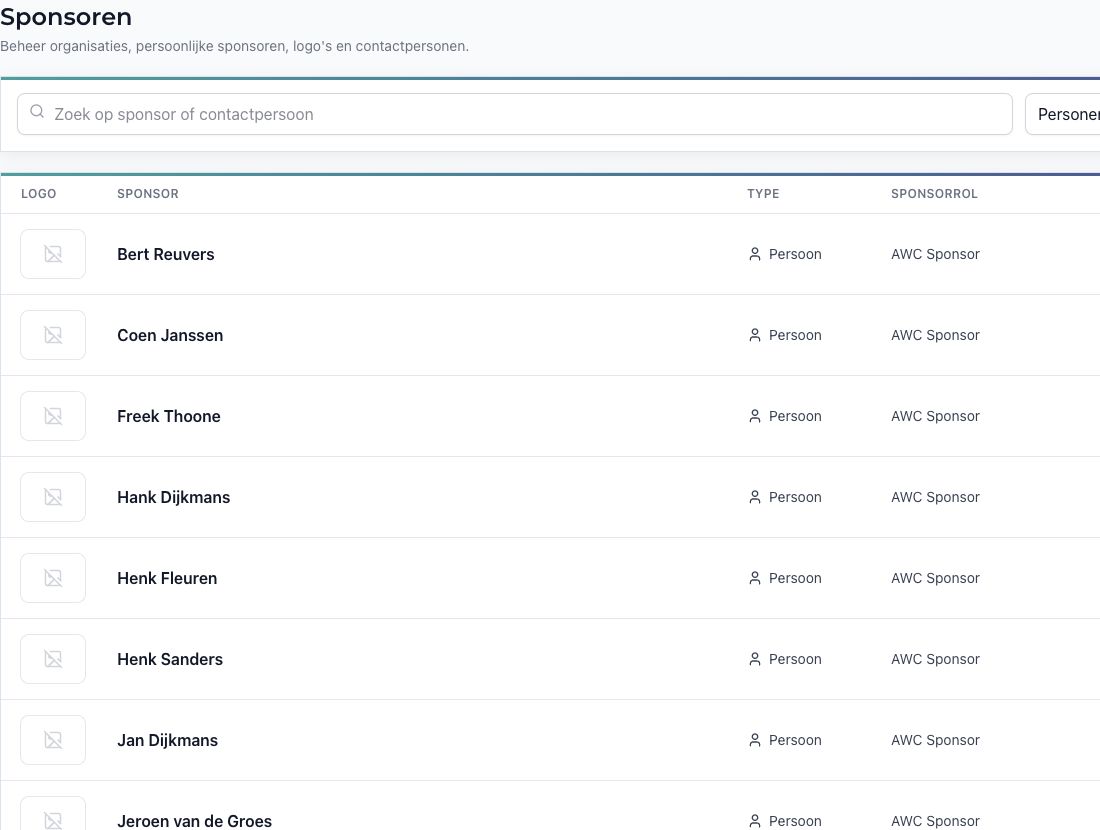
Organisations, personal sponsors and linked contacts stay together, without creating fake companies for personal sponsors.
Sponsors deserve the same care as members. In Rondo you manage organisations and personal sponsors, link contacts, issue digital passes and decide which sponsors appear on Club TV.
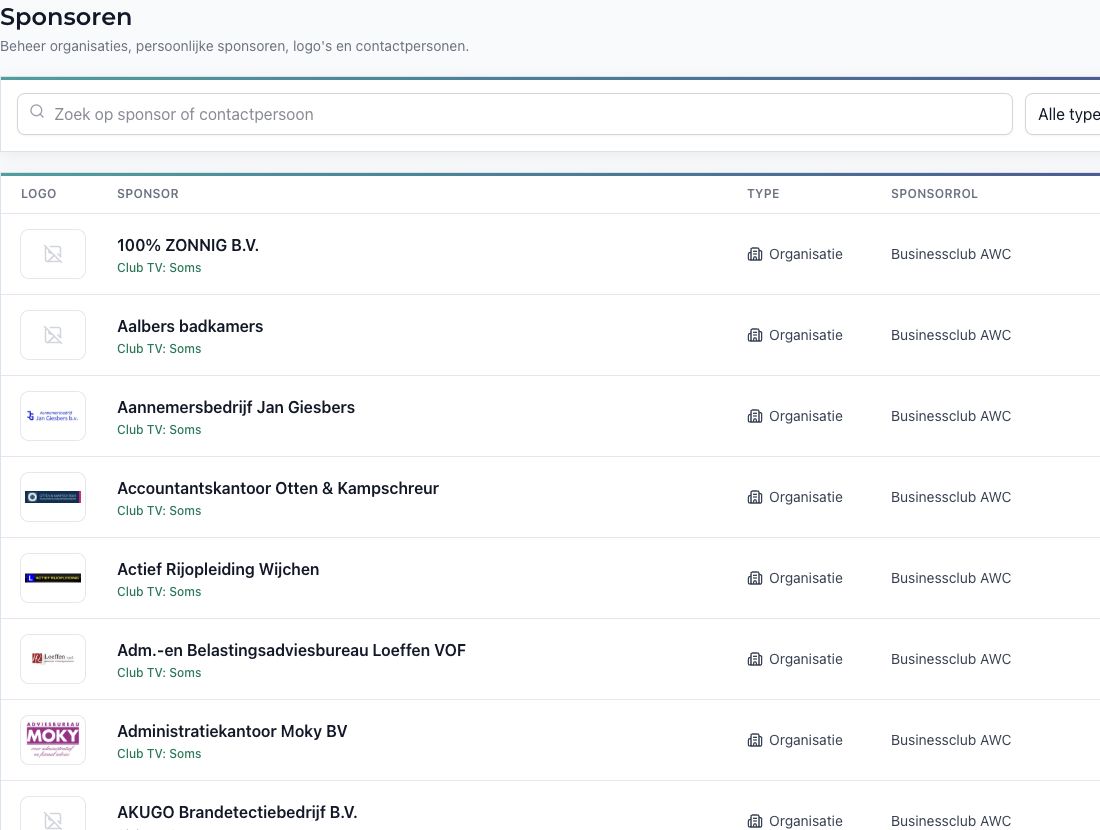
Organisations, personal sponsors and linked contacts stay together, without creating fake companies for personal sponsors.
Administrators manage sponsor fields and imports; a sponsor contact can only update their own organisation’s logo.
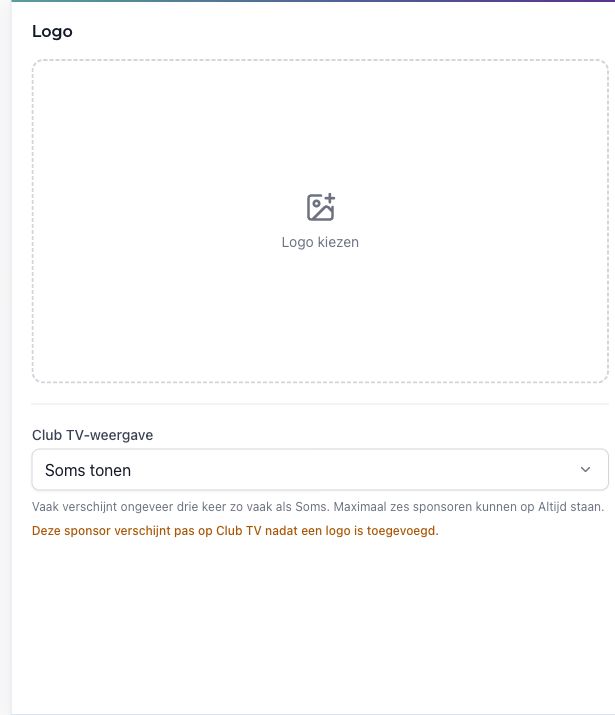
Issue the right digital sponsor or Businessclub pass and control how often each active sponsor logo appears on Club TV.
An organisation can have several contacts; a personal sponsor remains one sponsor record linked to one person. Archiving a sponsor removes the sponsor-pass entitlement without deleting the person profile.
Sponsor contacts can only replace their own organisation’s logo. Club TV then requires an active sponsor, a logo and a Sometimes, Often or Always setting. Rondo limits Always to six active sponsors with logos, keeping the rotation manageable.
Also relevant: For access & events and For communication.
Plan a short intro and we will map out the best setup for your workflow, volunteers and integrations.
Contact us